wwwwwwwwwwwwwwwwwww
Android Color
Material 3 colors through One.Android.Color
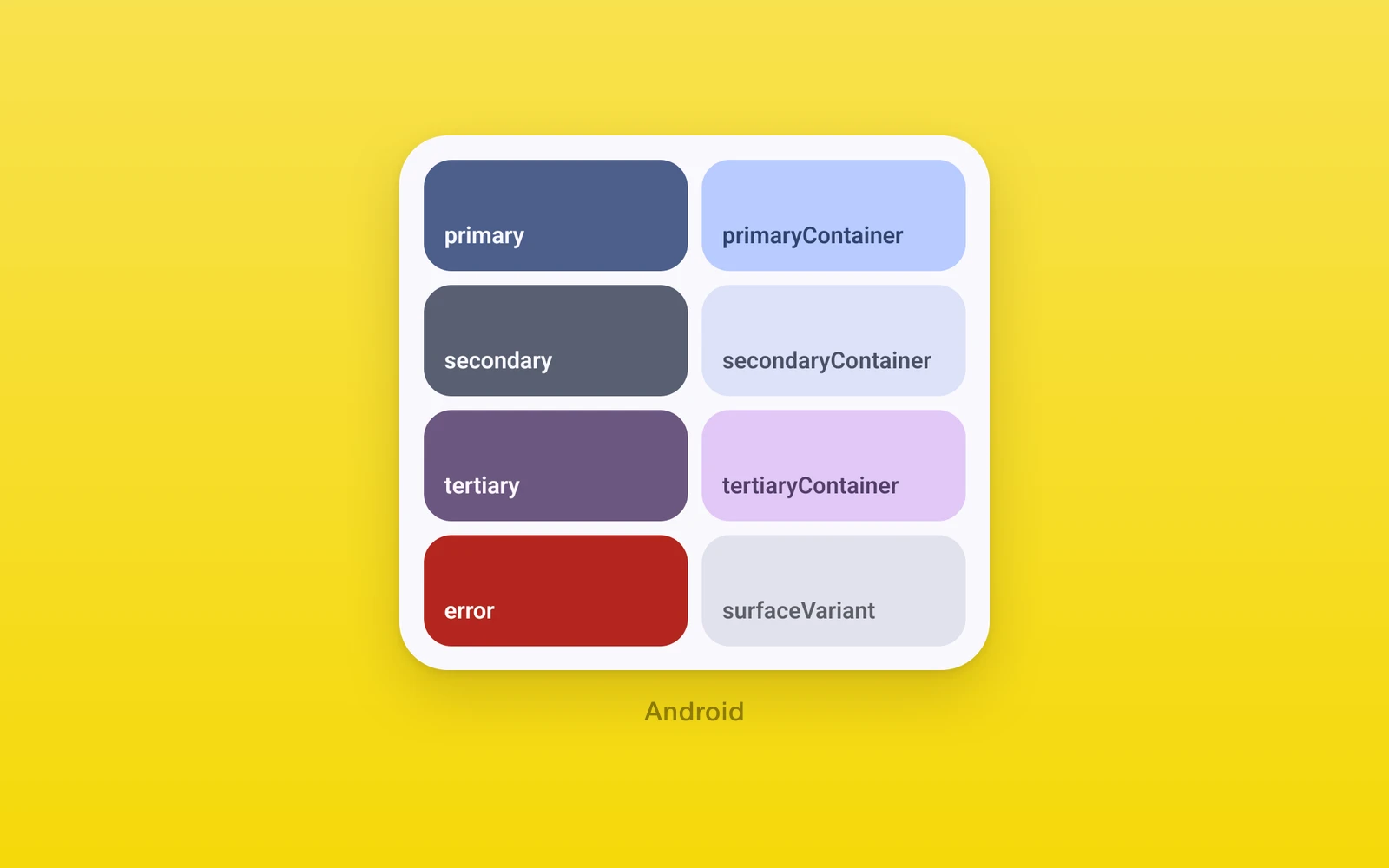
One.Android.Color reads Material 3 color roles from the system.
import { One } from 'one'
<View style={{ backgroundColor: One.Android.Color.dynamic.surfaceContainer }}> <Text style={{ color: One.Android.Color.dynamic.onSurface }}>Hello</Text></View>| Key | Value |
|---|---|
material.<role> | The baseline Material 3 palette, as a #rrggbb string. |
dynamic.<role> | The same role from the wallpaper colors, as a #rrggbb string. |
<name> | PlatformColor('@android:color/<name>'), such as system_accent1_500. |
material and dynamic take the same roles:
| Group | Roles |
|---|---|
| Primary | primary, onPrimary, primaryContainer, onPrimaryContainer, primaryInverse, primaryFixed, primaryFixedDim, onPrimaryFixed, onPrimaryFixedVariant |
| Secondary | secondary, onSecondary, secondaryContainer, onSecondaryContainer, secondaryFixed, secondaryFixedDim, onSecondaryFixed, onSecondaryFixedVariant |
| Tertiary | tertiary, onTertiary, tertiaryContainer, onTertiaryContainer, tertiaryFixed, tertiaryFixedDim, onTertiaryFixed, onTertiaryFixedVariant |
| Error | error, onError, errorContainer, onErrorContainer |
| Outline | outline, outlineVariant |
| Surface | background, onBackground, surface, onSurface, surfaceVariant, onSurfaceVariant, surfaceInverse, onSurfaceInverse, surfaceBright, surfaceDim, surfaceContainer, surfaceContainerLow, surfaceContainerLowest, surfaceContainerHigh, surfaceContainerHighest |
A role reads the light or dark value for the current color scheme at the
moment you read it, and an unknown role gives null. Read it during render
with useColorScheme() in the component, so a scheme change renders again
with the new value. For icons that follow the scheme without a render, use
the colorRole prop on One.UI.Icon.
Every key is null on iOS and web.
Edit this page on GitHub.