
iOS Widgets and Live Activities
Widget and Live Activity services, with iOS widget views
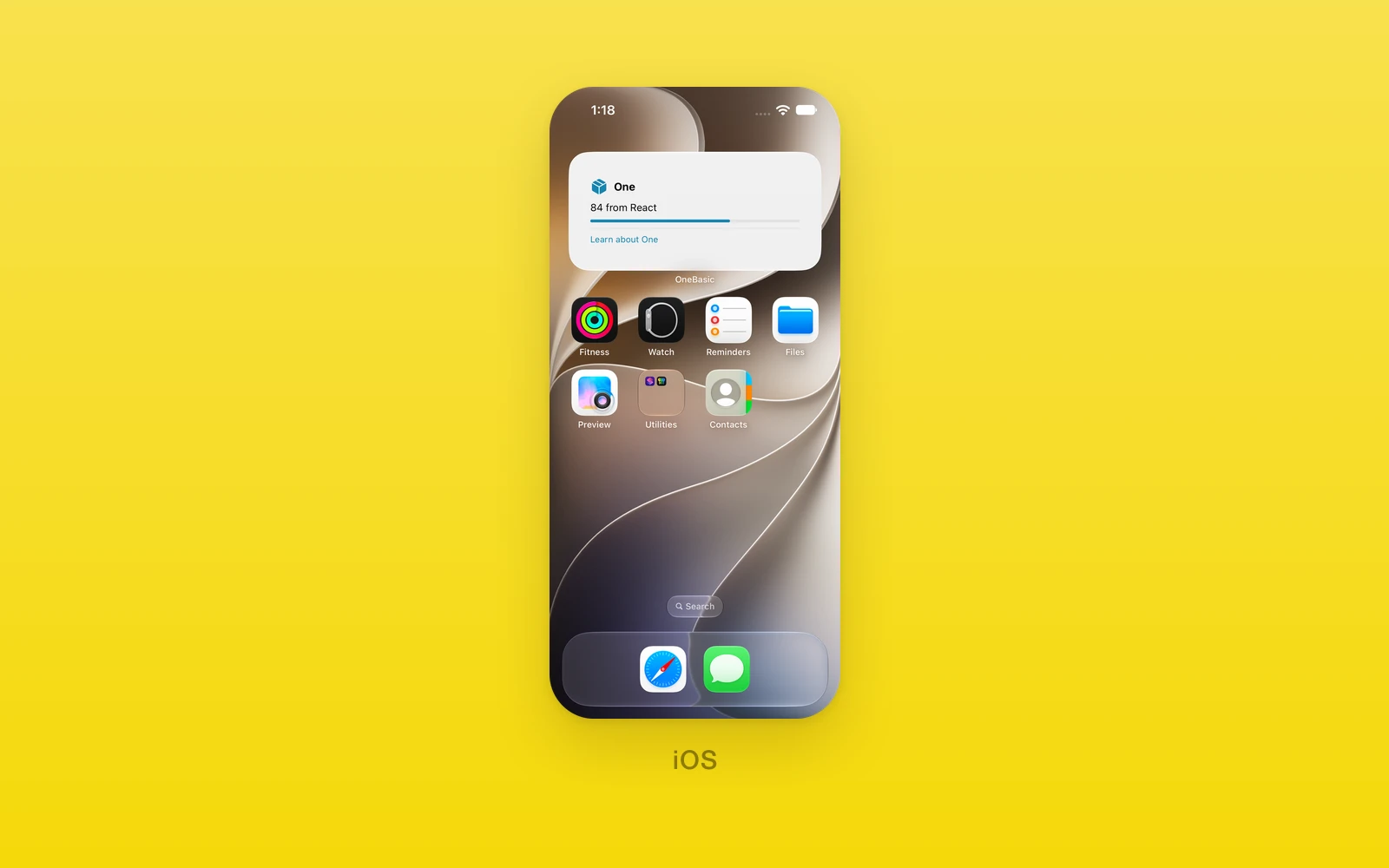
Home Screen widgets and Live Activities use One.Widgets and One.LiveActivities. Their iOS implementation needs native.app.ios.widgets and a new iOS build; calls without that configured bridge throw. Android and web leave widget writes and activity updates or endings without effects, return null for a push token, and return listener removers that do nothing. Starting an activity rejects with LiveActivities.<verb> needs an iOS or Android build. The iOS view tree remains under One.iOS.WidgetUI.
Widgets
One.Widgets writes the widget’s content.
| Function | Signature |
|---|---|
write | (data: { title: string; value: string; subtitle: string }) => Promise<void> |
writeView | (view: ReactNode) => Promise<void> |
write sets plain text content; writeView renders a WidgetUI tree
(see below) into the widget.
LiveActivities
One.LiveActivities manages Live Activities. State is { status: string; value: string }; push token events are { id: string; token: string }.
| Function | Signature |
|---|---|
start | (title: string, state, push?: boolean) => Promise<string> (resolves the activity id) |
startView | (title: string, view: ActivityView, push?: boolean) => Promise<string> |
update | (id: string, state) => Promise<void> |
updateView | (id: string, view: ActivityView) => Promise<void> |
end | (id: string) => Promise<void> |
pushToken | (id: string) => Promise<string | null> |
onPushToken | (listener: (event) => void) => () => void (returns an unsubscribe function) |
push opts into push updates. An ActivityView places a WidgetUI tree in
each Live Activity region:
| ActivityView | Type | Description |
|---|---|---|
lockScreen (required)ReactNodeThe Lock Screen banner. | ReactNode | The Lock Screen banner. |
compactLeadingReactNodeLeft of the camera in the compact Dynamic Island. | ReactNode | Left of the camera in the compact Dynamic Island. |
compactTrailingReactNodeRight of the camera in the compact Dynamic Island. | ReactNode | Right of the camera in the compact Dynamic Island. |
minimalReactNodeThe Dynamic Island when another activity shares it. | ReactNode | The Dynamic Island when another activity shares it. |
expandedLeadingReactNodeThe expanded Dynamic Island, leading side. | ReactNode | The expanded Dynamic Island, leading side. |
expandedTrailingReactNodeThe expanded Dynamic Island, trailing side. | ReactNode | The expanded Dynamic Island, trailing side. |
expandedBottomReactNodeThe expanded Dynamic Island, below the sides. | ReactNode | The expanded Dynamic Island, below the sides. |
WidgetUI
One.iOS.WidgetUI builds widget content. Each element takes a style.
| Element | Props |
|---|---|
Text, VStack, HStack, ZStack | children |
Spacer, Divider | none |
Image | systemName |
Progress, Gauge | value, total |
Circle, Rectangle, RoundedRectangle | fill, cornerRadius |
Link | url, children |
| WidgetStyle | Type | Description |
|---|---|---|
colorstringThe text and symbol color. | string | The text and symbol color. |
backgroundColorstringThe fill behind the element. | string | The fill behind the element. |
fontSizenumberThe text size in points. | number | The text size in points. |
fontWeight"regular" | "medium" | "semibold" | "bold"The text weight. | "regular" | "medium" | "semibold" | "bold" | The text weight. |
fontDesign"default" | "rounded" | "serif" | "monospaced"The system font design. | "default" | "rounded" | "serif" | "monospaced" | The system font design. |
paddingnumberSpace inside the element on every side. | number | Space inside the element on every side. |
borderRadiusnumberRounds the background. | number | Rounds the background. |
spacingnumberThe gap between a stack's children. | number | The gap between a stack's children. |
widthnumberA fixed width. | number | A fixed width. |
heightnumberA fixed height. | number | A fixed height. |
opacitynumberFrom 0 to 1. | number | From 0 to 1. |
lineLimitnumberThe most lines a Text shows. | number | The most lines a Text shows. |
alignment"leading" | "center" | "trailing"How a stack aligns its children. | "leading" | "center" | "trailing" | How a stack aligns its children. |
import { One } from 'one'
await One.Widgets.writeView(  <One.iOS.WidgetUI.VStack>    <One.iOS.WidgetUI.Text>Next train</One.iOS.WidgetUI.Text>    <One.iOS.WidgetUI.Text>4 min</One.iOS.WidgetUI.Text>  </One.iOS.WidgetUI.VStack>)
const id = await One.LiveActivities.start('Trip', { status: 'Boarding', value: 'Gate 12' })await One.LiveActivities.update(id, { status: 'Departed', value: 'On time' })await One.LiveActivities.end(id)Edit this page on GitHub.