wwwwwwwwwwwwwwwwwww
iOS Color
Type-safe UIKit semantic colors
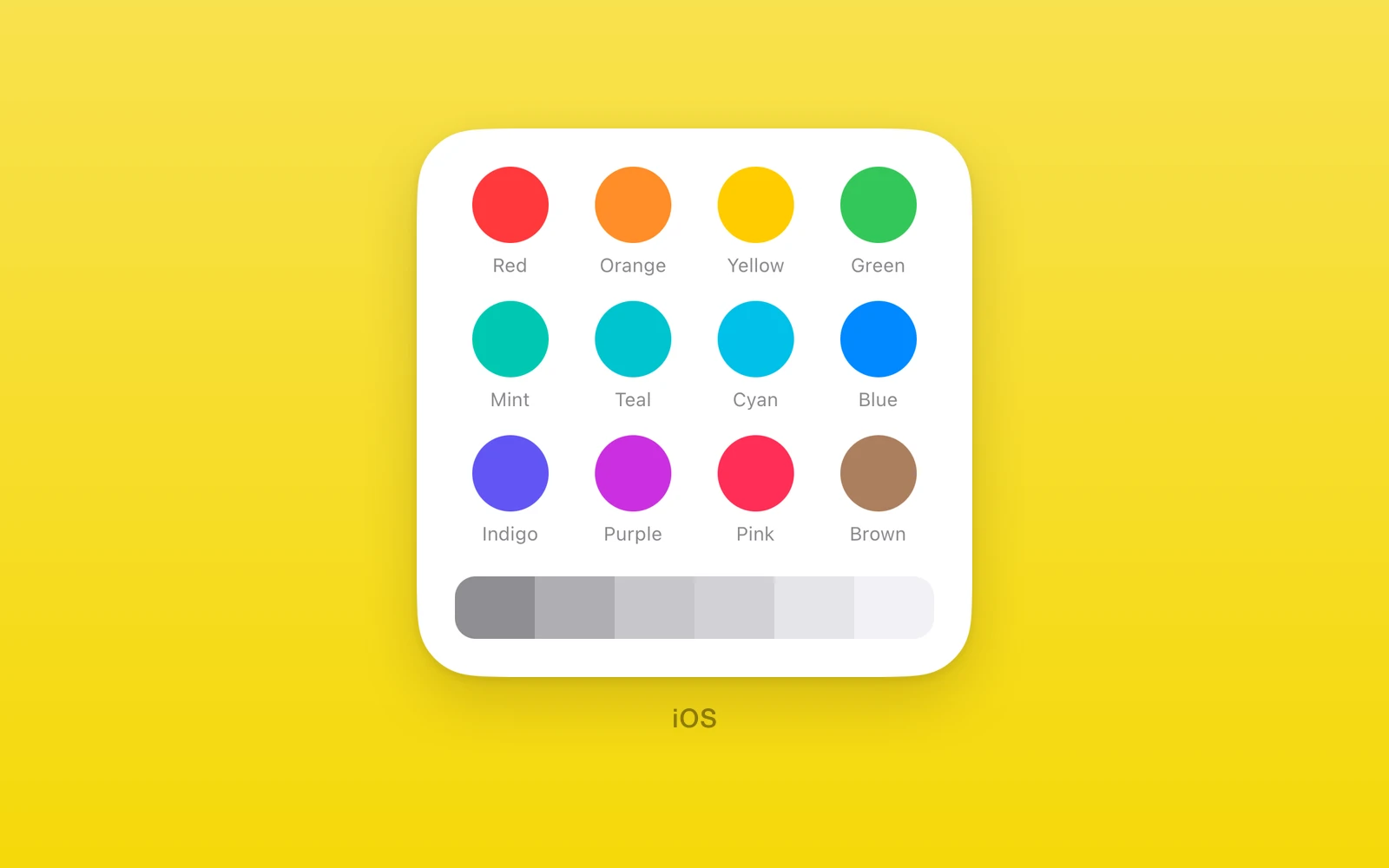
One.iOS.Color names UIKit’s semantic colors with types. Each is a native
PlatformColor, so it follows light mode, dark mode, and increased contrast
without a React appearance subscription.
import { Text, View } from 'react-native'import { One } from 'one'
<View style={{ backgroundColor: One.iOS.Color.secondarySystemBackground }}>  <Text style={{ color: One.iOS.Color.label }}>Hello</Text></View>
Colors
| Group | Names |
|---|---|
| Tints | systemBlue, systemBrown, systemCyan, systemGreen, systemIndigo, systemMint, systemOrange, systemPink, systemPurple, systemRed, systemTeal, systemYellow |
| Grays | systemGray, systemGray2, systemGray3, systemGray4, systemGray5, systemGray6 |
| Text | label, secondaryLabel, tertiaryLabel, quaternaryLabel, placeholderText, link, darkText, lightText |
| Fills | systemFill, secondarySystemFill, tertiarySystemFill, quaternarySystemFill |
| Backgrounds | systemBackground, secondarySystemBackground, tertiarySystemBackground |
| Grouped backgrounds | systemGroupedBackground, secondarySystemGroupedBackground, tertiarySystemGroupedBackground |
| Separators | separator, opaqueSeparator |
Any other UIKit color name works as a string key, such as
One.iOS.Color['tintColor']. It reaches PlatformColor unchecked.
On Android and web every color reads null. Pick a color per platform, or use
Android Color on Android.
Edit this page on GitHub.